CleanCut
Privately mute profanity and convert video files on Mac or Windows. Mac also includes subtitles and batch processing.
- 3 videos free on Mac
- $19.99 one-time license
- 100% on-device processing
- 14-day refund help
Built Useful
Choose the problem you want to solve. CleanCut prepares videos, PolishKey rewrites selected text, SnapTask captures what needs doing, and Envelopes gives every dollar a job.
Privately mute profanity and convert video files on Mac or Windows. Mac also includes subtitles and batch processing.

Rewrite selected text with a private local AI model from a desktop hotkey. The Apple Silicon Mac build is signed, notarized, and available now.

Turn a passing thought into a Google Task or Calendar event with one keyboard shortcut, without leaving what you are doing.
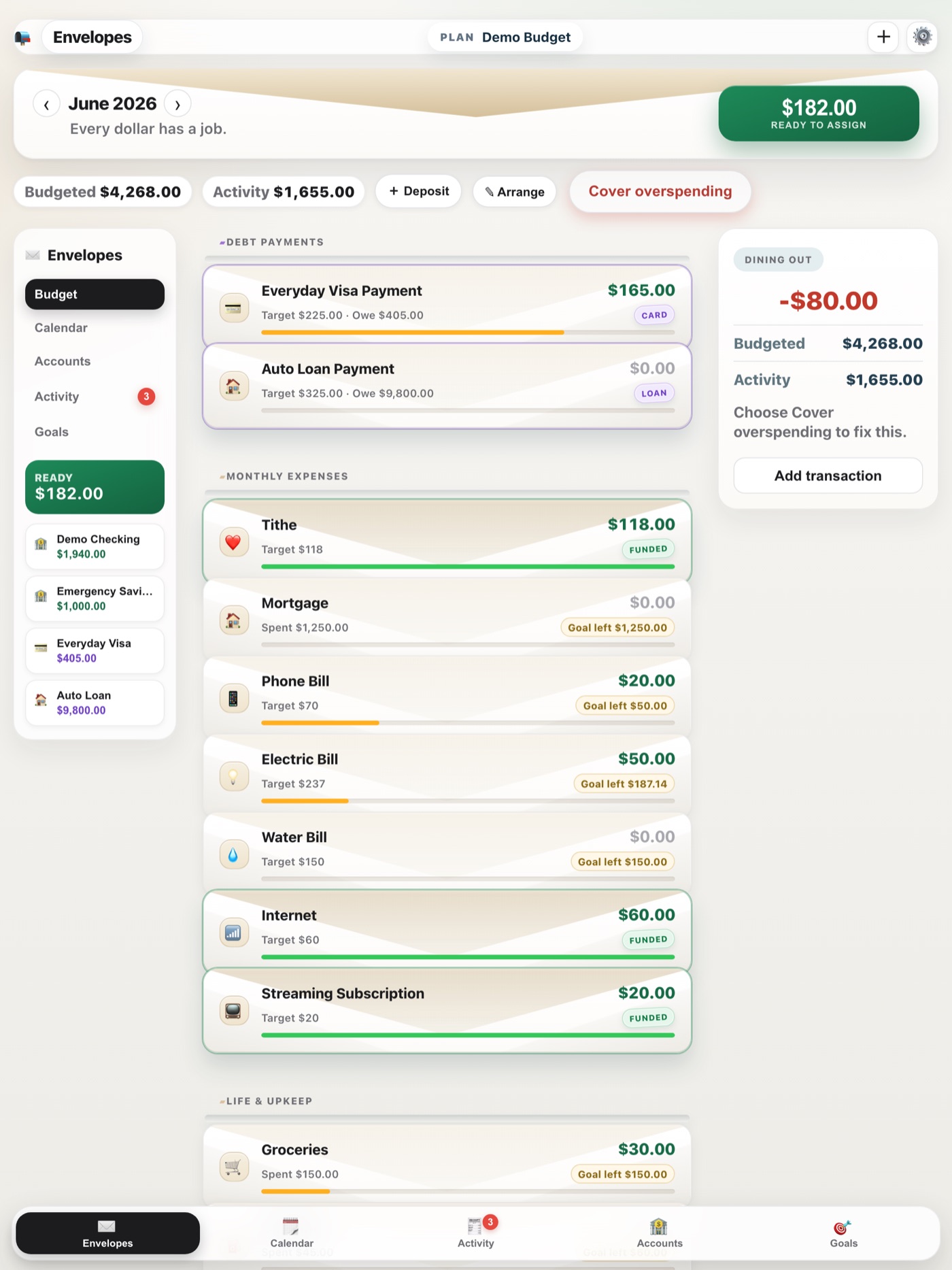
Envelope budgeting for people who want to give every dollar a job without linking a bank account. Plan bills, track spending, and optionally sync your own devices.
More room on the shelf
Each new product gets its own page while this catalog remains the simple place to find everything.